Learn how to use bank reconciliation in Landlord Vision
01:47
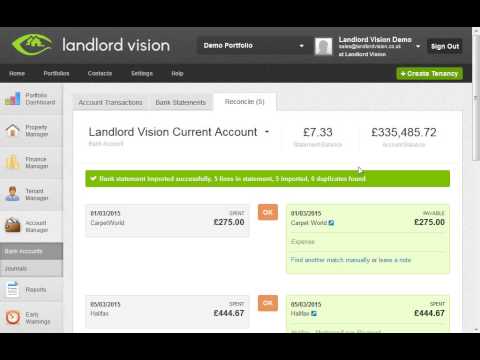
How to Import a Bank Statement
In this tutorial we demonstrate how easy it is to import your bank and credit card statements into Landlord Vision.
Watch video
01:14
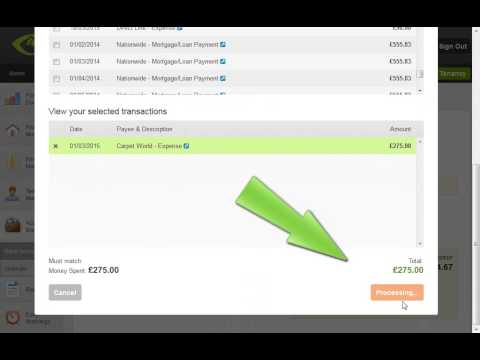
How to Manually Reconcile a Bank Statement
When transactions on your bank or credit card statement cannot be automatically matched in Landlord Vision, you can manually reconcile the transactions, as shown in this video tutorial.
Watch video

01:31
How to Unreconcile a Bank Statement
Learn how to unreconcile bank or credit card statements in order to correct mistakes.
Watch video
01:52
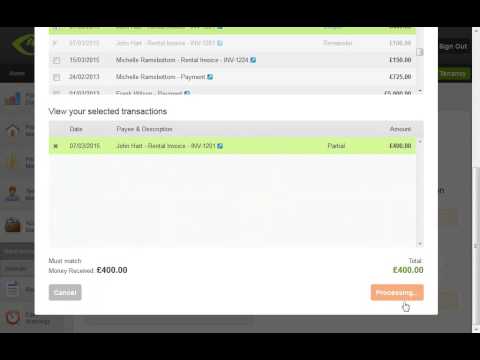
How to Split Payments When Reconciling Bank Statements
In this video demonstration we show you how using the 'Split' functionality can help you to allocate under or over payments to the correct invoices when reconciling bank and credit card statements.
Watch video
View All Video Tutorial Categories
 Pricing from £19.97/m
 Cancel any time
 Free phone and email support
 Plans to suit every landlord